
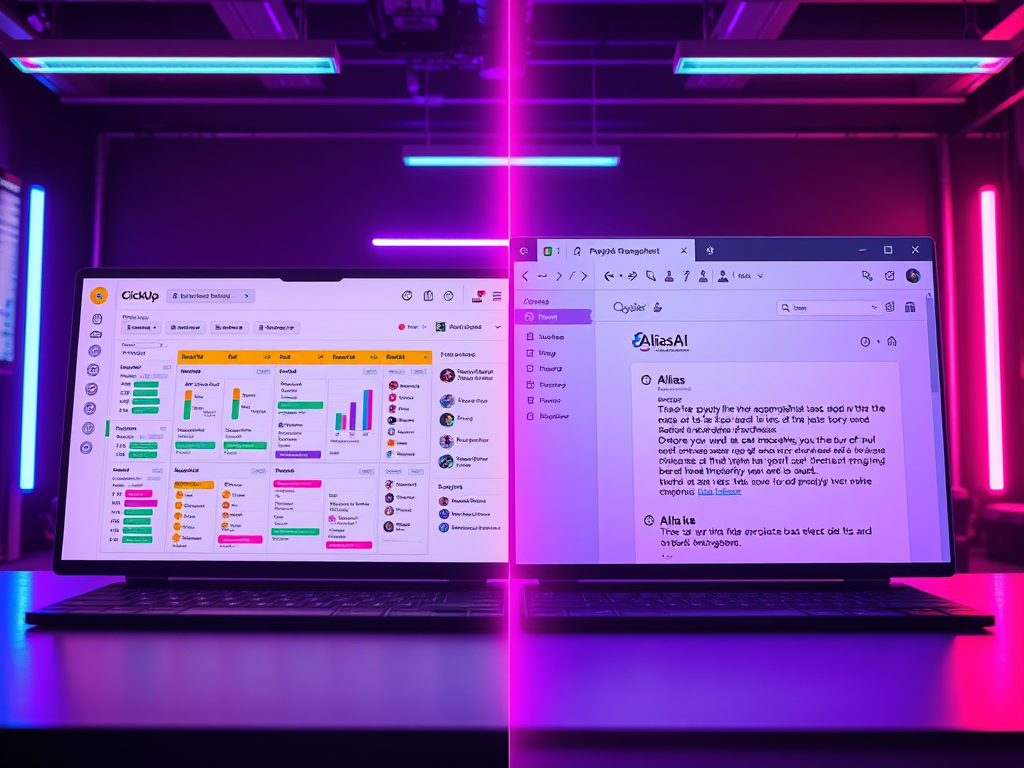
SaneBox and Alias AI both show up when people search for an AI email assistant, but they solve different problems:
Alias AI reduces missed commitments by converting email into an action list (to-dos + follow-ups).
SaneBox reduces inbox noise by filtering and organizing mail behind the scenes. If you want an AI email assistant, the right pick depends on whether your goal is speed or certainty.
Quick verdict (read this first)
Choose Alias AI if you want:
- To-dos you owe and follow-ups you’re waiting on extracted from email
- A prioritized daily action list (“what matters now”)
- Project/workspace views from natural language questions
Choose SaneBox if you want:
- Automatic filtering of unimportant email
- Digest-style summaries of deferred messages
- Follow-up reminders and snoozing via folders/addresses
What is SaneBox?
SaneBox is an AI-powered inbox tool focused on decluttering and organizing email. It typically helps by:
- Filtering low-priority emails out of the main inbox
- Providing digest views of what was filtered
- Offering tools to reduce unwanted senders and distractions
- Supporting reminder workflows so important conversations don’t slip
- Enabling “snooze” type behaviors so emails reappear later
It’s best thought of as an intelligent filtering and reminder layer.
What is Alias AI?
Alias AI is an AI email assistant + email task manager that extracts the work hidden inside email:
- To-dos (commitments you owe)
- Follow-ups (waiting on others)
- Workspaces (projects and grouped threads)
- Priority views that help you focus on what moves work forward today
You start from actions, not from a long list of messages.
The biggest difference (in one sentence)
SaneBox helps you see less email.
Alias AI helps you do the right work from email.
Key workflow differences
- Filtering vs task capture
- SaneBox: hides distractions and organizes messages
- Alias AI: extracts commitments and follow-ups into an action system
- Folder-based workflow vs action center
- SaneBox: relies on folders/digests/reminder addresses
- Alias AI: relies on a task list, follow-up list, and project workspaces
- Great together—but different jobs
If your biggest problem is noise, filtering can help.
If your biggest problem is missed obligations, you need task capture and follow-ups.
Feature comparison table
Alias AI vs SaneBox — Feature Comparison
| Feature | Alias AI | SaneBox |
|---|---|---|
| Core focus | To-dos and follow-ups captured from email | Inbox filtering and decluttering |
| Primary value | Know what needs action next | Reduce inbox noise |
| Product type | AI email assistant + task manager | AI inbox filtering tool |
| AI filtering | Action- and priority-based views | Yes – automatic importance filtering |
| Task extraction from email | Yes – to-dos and follow-ups extracted automatically | No – not the primary purpose |
| Follow-up management | Yes – waiting-on lists and aging | Yes – reminder-based follow-ups |
| Daily workflow | Action-first (task and follow-up view) | Digest- and folder-based |
| Inbox organization | Projects and workspaces | Folders and digests |
| Workflow complexity | Centralized action system | Background inbox optimization |
| Best for | Founders, operators, and execs managing commitments | Anyone overwhelmed by low-priority email |
Pros and cons
Alias AI Pros
- Converts email into an action system (to-dos + follow-ups)
- Helps prevent missed commitments
- Reduces re-reading by surfacing next steps
Alias AI Cons
- If your only issue is newsletters and noise, it may be more than you need
SaneBox Pros
- Excellent at reducing inbox noise
- Minimal workflow change (works in the background)
- Helpful reminder/snooze-style features
SaneBox Cons
- Filtering doesn’t automatically create a reliable list of commitments
- You may still need a separate system to manage “what must be done”
Which one should you choose?
Choose Alias AI if:
- Your inbox contains obligations you must follow through on
- You need to track what you owe and what you’re waiting on
- You want an AI email assistant focused on action, not just decluttering
Choose SaneBox if:
- Your main problem is too many low-value emails
- You want better filtering and inbox calm
- You already have a task system and just need less noise
FAQs
Alias AI is better if you want an AI email assistant that captures to-dos and follow-ups. SaneBox is better if you mainly need filtering and decluttering.
Typically no—SaneBox generally sorts messages into folders so you can review later.
Yes—SaneBox includes reminder workflows to help you follow up when someone doesn’t respond.
They solve different problems. If you want one tool, choose based on whether your main pain is noise (SaneBox) or missed commitments (Alias AI).
If email is where commitments are made, you need an action system—not just filtering.
Try Alias AI and get a daily list of to-dos and follow-ups that keeps you in control.

Leave a Reply