

Superhuman is known for making email incredibly fast with shortcuts, split inbox, and a premium client experience.
Alias AI is built for a different outcome:
Turning email into a prioritized list of what you must do and who you’re waiting on.
If you want an AI email assistant, the right pick depends on whether your goal is speed or certainty.
Quick verdict (read this first)
Choose Alias AI if you want:
- A true action layer over email: to-dos + follow-ups captured from threads
- Daily clarity: “Here’s what moves work forward today”
- Instant “workspaces” via natural language (“lease”, “vendors”, “payroll”, “customer escalations”)
Choose Superhuman if you want:
- The fastest inbox experience (keyboard-driven triage)
- Split inbox views and polished email workflows
- Thread collaboration features for teams
What is Superhuman?
Superhuman is a premium email client designed to help you process email faster with:
- Keyboard-first workflows
- Split inbox and organizational features
- Fast triage and handling of high-volume inboxes
- Team collaboration features (depending on your plan/workflow)
It’s typically chosen by teams and individuals who want a “Ferrari” email client.
It’s commonly used by people who want faster replies and cleaner inbox organization.
What is Alias AI?
Alias AI is an AI email assistant + email task manager that extracts the work hidden inside email:
- To-dos you owe
- Follow-ups you’re waiting on
- Project/workspace grouping across related threads
- Priority views that show what matters now
You start from actions, not from a long list of messages.
The biggest difference (in one sentence)
Superhuman helps you go faster through email.
Alias AI helps you not miss what email is asking you to do.
Key workflow differences
- Email client vs action layer
- Superhuman: a premium email client you live inside
- Alias AI: an action system that pulls tasks out of email so you don’t re-read threads
- Speed vs certainty
- Superhuman: optimizes how quickly you triage and respond
- Alias AI: optimizes follow-through so commitments don’t slip
- Organizing messages vs organizing outcomes
- Superhuman: inbox splits, shortcuts, comments, client features
- Alias AI: to-dos, follow-ups, priorities, and project workspaces
Feature comparison table
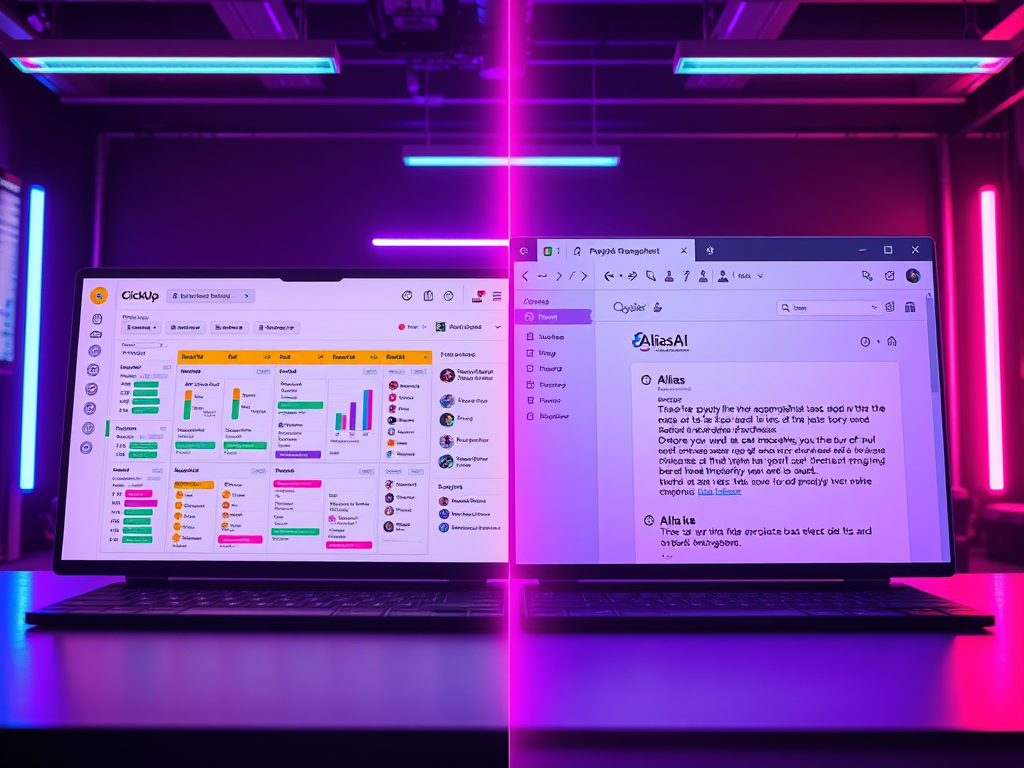
Alias AI vs Superhuman — Feature Comparison
| Feature | Alias AI | Superhuman |
|---|---|---|
| Core focus | To-dos and follow-ups captured from email | Premium email client focused on speed |
| Primary value | Know exactly what needs action next | Process email faster with shortcuts |
| Product type | AI email assistant + task manager | High-performance email client |
| AI writing | Available when needed (supportive) | AI-assisted writing and replies |
| Inbox experience | Action-first (task and follow-up view) | Inbox-first (fast triage and splits) |
| Split inbox | Not the primary model | Yes – core feature |
| Task extraction from email | Yes – automatic to-dos and follow-ups | No – not the primary purpose |
| Follow-up system | Yes – waiting-on lists and priorities | Manual or user-defined workflows |
| Collaboration | Task/workspace collaboration (plan-dependent) | Shared conversations and team comments |
| Best for | Founders and executives managing many commitments | Teams that want the fastest inbox experience |
Pros and cons
Alias AI Pros
- Built for “don’t miss it” outcomes
- Turns email into a daily action list you can trust
- Ideal when email contains real obligations across many parallel projects
Alias AI Cons
- If your #1 priority is raw inbox speed, a premium client may feel better
- Requires a task-first habit
Superhuman Pros
- Exceptional speed for high-volume triage
- Strong inbox organization features (split inbox)
- Great for teams that live in email all day
Superhuman Cons
- Premium pricing compared to many alternatives
- Speed doesn’t automatically create a durable “system of commitments”
Which one should you choose?
Choose Alias AI if:
- You don’t want tasks buried in threads
- You need a reliable follow-up system (waiting on others)
- You want your AI email assistant to tell you what matters now
Choose Superhuman if:
- Your inbox is the product (you want the fastest, best client)
- Keyboard shortcuts and split inbox are your superpower
- You want a premium email experience and you’ll fully use it
FAQs
Alias AI is better if you need an AI email assistant that captures to-dos and follow-ups so commitments don’t slip. Superhuman is better if you want the fastest premium inbox experience.
Superhuman is an email client designed for speed. Alias AI is an action layer that turns email into a prioritized list of tasks and follow-ups.
Yes—Alias AI is designed to work with your email workflow and surface the action you need.
Email is full of obligations—don’t let them hide in threads.
Try Alias AI and get a daily view of to-dos and follow-ups that moves work forward.

Leave a Reply