
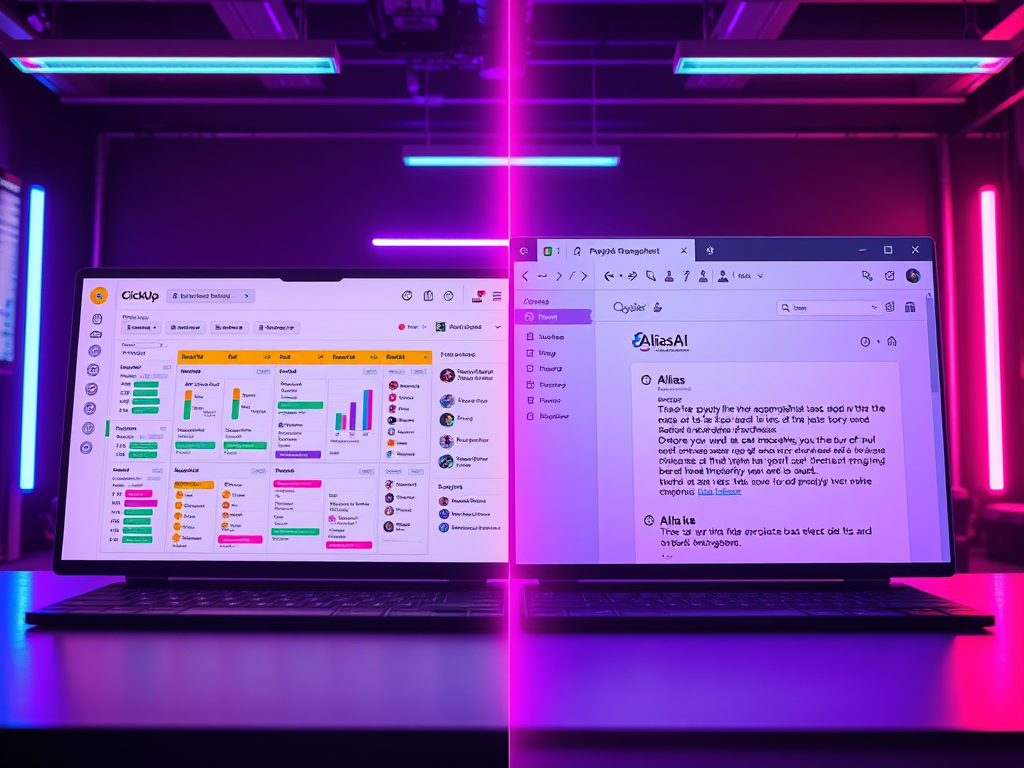
ClickUp and Alias AI both help you manage work — but they start from completely different places.
ClickUp is a full project management platform.
Alias AI is an AI email assistant designed to extract tasks directly from conversations.
If you live in email, the difference matters.
Quick verdict (read this first)
Choose Alias AI if you want:
- Tasks created automatically from email threads
- A follow-up system built around real conversations
- Instant workspaces without manual setup
Choose ClickUp if you want:
- Structured project planning
- Dashboards, timelines, and team collaboration
- A traditional task management environment
What is ClickUp?
ClickUp is a comprehensive productivity and project management platform used for:
- Task planning
- Project tracking
- Team collaboration
- Documentation and workflows
It excels at structured planning — but tasks usually need to be manually created or imported.
What is Alias AI?
Alias AI is an AI email assistant + email task manager that extracts the work hidden inside email:
Instead of building projects first, Alias AI starts where work actually begins — inside email conversations.
It automatically extracts:
- To-dos
- Follow-ups
- Priorities
- Context from threads
You don’t build tasks — they appear from real commitments.
Biggest difference (in one sentence)
ClickUp organizes projects.
Alias AI captures commitments directly from email.
Feature comparison table
Alias AI vs ClickUp — Feature Comparison
| Feature | Alias AI | ClickUp |
|---|---|---|
| Core focus | To-dos and follow-ups captured from email conversations | Project and task management platform |
| Primary value | Know what needs action next from your inbox | Plan, organize, and manage structured work |
| Product type | AI email assistant + action layer | Project management and productivity software |
| Task creation | Automatic from email threads | Manual task creation or workflow setup |
| Follow-up tracking | Built-in waiting-on views and priorities | Manual task tracking or reminders |
| Inbox integration | Core workflow — email is the starting point | Secondary — requires integrations or manual input |
| Learning curve | Low — action-first workflow | Medium to high — requires project setup |
| Workflow style | Action-first (what needs to be done now) | Planning-first (build projects and lists) |
| Best for | Founders, executives, and operators managing commitments | Teams managing structured projects and timelines |
Pros and cons
Alias AI Pros
- Eliminates manual task creation from email
- Great for founders juggling vendors, customers, and operations
- Keeps priorities clear without heavy setup
Alias AI Cons
- Not designed to replace full project planning tools
ClickUp Pros
- Powerful project structure
- Strong collaboration and planning features
- Highly customizable
ClickUp Cons
- Tasks don’t automatically come from email context
- Requires ongoing project maintenance
Which one should you choose?
Choose Alias AI if:
- Your inbox drives your workload
- You lose track of commitments made in conversations
- You want AI to surface next actions automatically
Choose ClickUp if:
- You need structured project timelines
- Your team works from predefined task lists
- Planning matters more than inbox action
FAQs
Not directly. Alias AI focuses on capturing tasks from email, while ClickUp focuses on structured project planning.
Not fully — ClickUp organizes tasks but doesn’t automatically extract commitments from conversations.
Alias AI is often better for executives because it turns email into an actionable system without manual setup.
Projects don’t move forward because of plans — they move forward because someone takes action.
Try Alias AI and turn your inbox into a prioritized action center.

Leave a Reply