

If you’re evaluating an AI email assistant, you’re likely trying to answer one question:
“Do I need better AI conversations — or do I need real action from my inbox?”
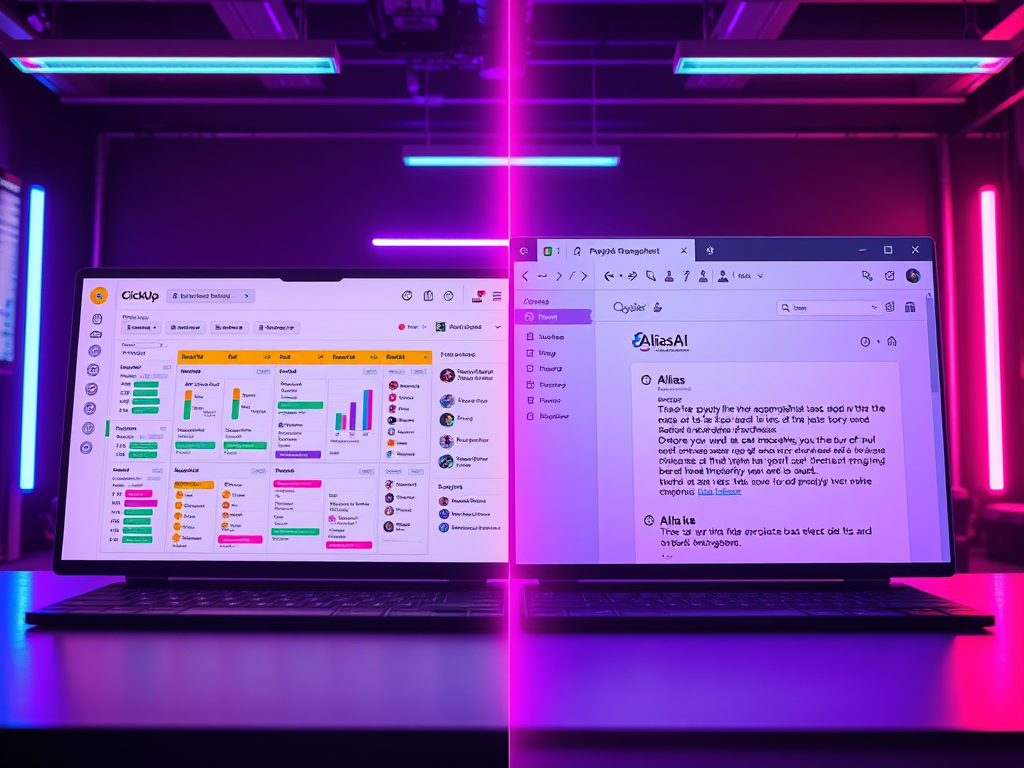
Alias AI and Jace AI both use AI to help with workflows, but they approach productivity very differently.
Alias AI focuses on turning email into a prioritized action system.
Jace AI focuses on AI-driven workflows, prompts, and automation experiences.
Quick verdict (read this first)
Choose Alias AI if you want:
- To-dos and follow-ups automatically captured from email threads
- A daily action list showing what matters now
- Workspace-style organization across conversations
Choose Jace AI if you want:
- AI-driven workflow automation
- Prompt-based experiences
- Broader AI experimentation beyond email workflows
What is Jace AI?
SuSJace AI positions itself more as a workflow and AI experimentation platform rather than a dedicated email assistant.
It often focuses on:
- AI-powered workflows
- Automation
- Prompt-driven systems
- General productivity augmentation
While it may connect to communication workflows, it is not primarily designed to extract tasks from email conversations.
What is Alias AI?
Alias AI is an AI email assistant + email task manager that extracts the work hidden inside email:
Email should produce action, not just organization.
Alias AI automatically identifies:
- To-dos you owe
- Follow-ups you’re waiting on
- Projects hiding across multiple threads
Instead of organizing messages, it organizes outcomes.
Biggest difference (in one sentence)
Jace AI helps you build AI workflows.
Alias AI helps you execute work hidden inside your inbox.
Feature comparison table
Alias AI vs SaneBox — Feature Comparison
| Feature | Alias AI | Jace AI |
|---|---|---|
| Core focus | To-dos and follow-ups captured from email | AI workflow automation and experimentation |
| Primary value | Know what needs action next | Build AI-driven workflows and prompts |
| Product type | AI email assistant + task manager | AI productivity/workflow platform |
| Task extraction from email | Yes – automatic to-dos and follow-ups | Not the core focus |
| Inbox workflow | Action-first (tasks and follow-ups) | Workflow-first (automation setup) |
| Follow-up tracking | Yes – waiting-on views and priorities | Depends on custom workflows |
| Ease of adoption | Designed for immediate inbox use | May require configuration and setup |
| Daily workflow | Prioritized action center | AI tools and automation workflows |
| Best for | Founders, operators, and executives managing commitments | Builders experimenting with AI automation |
Pros and cons
Alias AI Pros
- Designed specifically for email commitments
- Minimal setup — works from real conversations
- Prevents tasks from slipping through threads
Alias AI Cons
- Not built for generalized automation beyond inbox workflows
Jace AI Pros
- Flexible AI workflows
- Useful for experimentation and automation
Jace AI Cons
- Not focused on capturing actionable tasks from email
- Requires more setup for structured outcomes
Which one should you choose?
Choose Alias AI if:
- Your biggest pain is dropped commitments
- Email is where real work happens
- You want an AI assistant that surfaces what matters now
Choose Jace AI if:
- You want to build AI workflows or automation pipelines
- You’re exploring broader AI productivity tools
FAQs
Alias AI is better if you need an AI email assistant that extracts to-dos and follow-ups. Jace AI is better for building flexible AI workflows.
Not as a core feature — it focuses more on automation workflows than inbox task capture.
Operators, founders, and executives who rely heavily on email to manage commitments.
If email is where coIf email is where your obligations live, you need more than AI workflows — you need an action system.
Try Alias AI and see your to-dos and follow-ups appear automatically.
Leave a Reply