Task Automation Using AI: Transform Your Inbox Into a Productivity Engine
In today’s fast-paced world, your inbox shouldn’t slow you down — it should accelerate your momentum. Yet for most professionals, email remains a source of distraction, clutter, and missed opportunities. That’s where task automation using AI steps in, and why solutions like Alias AI are reshaping how executives and teams manage their day.
What Is Task Automation Using AI?
Task automation using AI refers to leveraging artificial intelligence to identify, prioritize, and act on to-dos without human intervention. Instead of manually sorting emails, setting reminders, or drafting responses, an intelligent assistant does it for you — instantly and accurately.
It’s more than smart filters or canned replies. True AI automation interprets context, recognizes follow-ups, and creates action items directly from your conversations.
From Inbox to Action List — Automatically
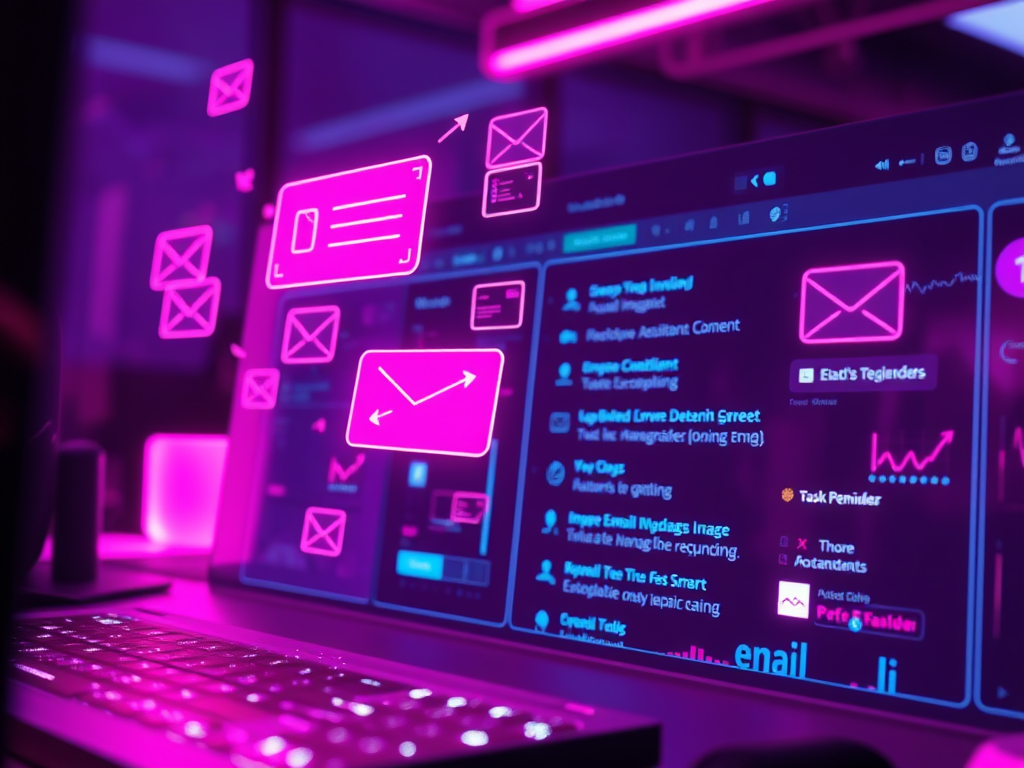
At Alias, we’ve taken this concept to the next level. Our platform transforms your Gmail into a smart productivity hub. Here’s how it works:
- Auto-detect critical emails: Alias scans your inbox and surfaces only the messages that require your attention — no noise, no fluff.
- Generate follow-up tasks: It automatically creates task reminders from emails with deadlines, deliverables, or pending actions.
- Draft replies with AI Autodraft: Feed in your thoughts and get polished, human-sounding replies in seconds.
- Organize to-dos into a clear dashboard: Say goodbye to sticky notes and mental checklists — your inbox becomes your to-do list.
This is task automation using AI in its most practical form: real-time support that doesn’t just respond — it thinks ahead.
Why Task Automation Is a Game-Changer for Executives
Executives spend hours each week managing email — replying, following up, and digging through threads. That’s not strategic work.
By automating routine email-related tasks, Alias helps you:
- Stay focused on high-impact decisions
- Reduce mental load and context switching
- Boost response time and follow-through
- Save hours of manual sorting and drafting
One of our users called Alias “an executive assistant who never forgets.” That’s the power of context-aware automation — it’s always alert, never tired, and gets smarter with use.
Behind the Scenes: How Alias Uses AI to Automate Your Day
Alias isn’t just another inbox plugin. It’s built with advanced natural language understanding and task recognition algorithms that:
- Parse intent from your emails
- Recognize who owes what to whom
- Generate tasks and reminders automatically
- Offer suggested replies that align with your tone
No more wondering if you forgot to reply or missed a key ask — Alias tracks it for you.
Real-World Use Cases
- Follow-Up Flags: Alias identifies emails needing follow-up and logs them into your dashboard — no setup needed.
- ✉Reply Drafting: Got a rough idea? Let Alias write the full email for you.
- Summarize Email Threads: Alias distills long email chains into actionable next steps.
- Meeting Action Items: After a meeting, Alias helps you capture follow-up tasks straight from your inbox.
Whether you’re managing a team, closing deals, or just aiming to stay sane in a sea of emails, task automation using AI turns effort into efficiency.
Your AI Assistant, Built with Privacy in Mind
Alias works inside your Gmail and doesn’t just skim the surface — it operates with deep respect for privacy and context. Everything Alias sees is to serve you — not train external models or sell your data.
Ready to Automate Smarter?
You don’t need another email app. You need an intelligent system that turns your inbox into a launchpad.
With Alias AI, you can:
- Automate email triage
- Create tasks from conversations
- Generate replies in your voice
- Stay on top of follow-ups without breaking a sweat
✨ Start your free 7-day trial today and experience task automation using AI at its best.
👉 Join the waitlist or start your trial now.
- Task automation using AI
- AI productivity
- AI email assistant
- Executive assistant