

In today’s world, founders, VCs, and operations professionals live in a torrent of communication. Emails arrive by the minute, decisions must be made quickly, and follow‑ups cannot be forgotten. Many are discovering that traditional methods—manual triage, inbox flags, task apps separate from email—just don’t keep up.
That’s why in 2026 we’re observing a growing trend. People are moving toward an AI email assistant that also functions as an AI to do list app. The shift is not simply “another productivity tool.” It represents a re‑imagined workflow. This workflow is built for high‑volume professionals who need to turn email into action.
In this article, we’ll explain why this transition is happening. We will discuss what the pain points are. We will highlight what to look for in the tools you adopt. We will also explore how Alias AI is positioned to deliver the productivity leap.
The Email Volume Crisis for High‑Performers
Let’s begin with scale. According to workspace research for 2025:
- Over 4.6 billion people globally are email users, and more than 376 billion emails are sent and received daily.
- The average office worker receives 121 emails per day.
- On average, knowledge‑workers spend ~28% of their workweek on email‐related tasks (reading, replying, sorting).
For founders, VCs and operations executives managing multiple streams—investor relations, team updates, customer issues, strategic pauses—these numbers grow substantially. The inbox becomes less a tool and more a bottleneck. - Implication: High‐volume email users spend hours each week simply managing communication—not executing work.
The Cost of Delay and Deferral
Email deferral (marking to deal later) is common. Research shows that 12% of triage sessions and 16% of daily users defer at least one email.
With so many messages, many tasks never receive a follow‑up, increasing risk of missed opportunities. The pattern emerges: high volume → deferral → task falls off radar → lost deal or delayed deliverable.
Inbox Interruptions and Focus
Further, interruptions matter. One study reveals workers check email every 6 minutes on average, with roughly 25 minutes of focus lost each time an interruption occurs. When your day is segmented by email pings, workflow fragments. Strategic tasks get squeezed out by tactical firefighting.
Why Traditional Task Apps and Labels Fail High‑Volume Users
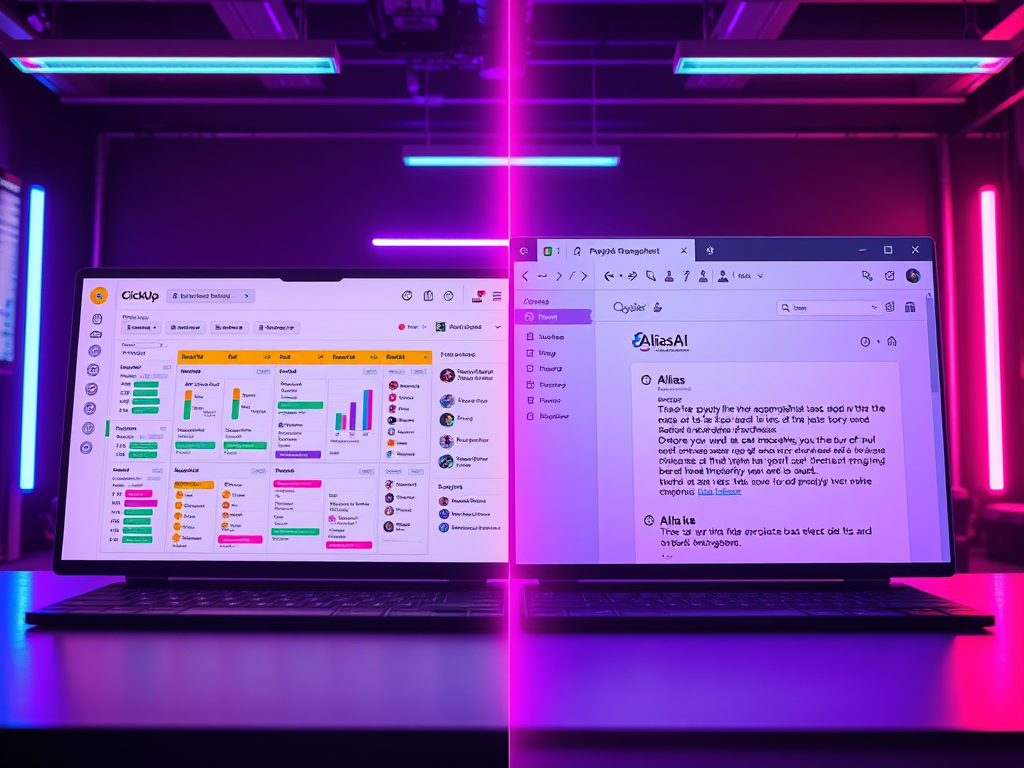
Many professionals try to fix the email productivity issue with standard productivity tools. They use task apps like Todoist, Asana, and ClickUp. They also use inbox labels and filters. Additionally, they schedule blocks. But these fall short—especially when email load is high.
Manual Entry Is Time‑Consuming
You receive an email that triggers action. Then you must:
- Open or read the email
- Decide what the action is
- Open your task app or create a flag/label
- Type or copy the task details
- Set due date, context, priority
Every step adds friction. For high‑volume email users, even a 30‑second task entry multiplied by dozens of messages becomes hours of time lost.
Context Loss Between Inbox and Task App
When tasks are captured inside one app (task manager) and messages remain in another (email), context disappears:
- Who sent the message?
- What attachments did they include?
- Where did the decision thread begin?
- What was the conversation history?
Without that, many tasks require re‑investigation, slowing execution.
Labels and Flags Are Surface‑Level Fixes
Many email assistants apply labels or flags inside the inbox (e.g., “Follow‑up”, “To Do”). But if you remain inside the chaos of the inbox, you’re still in triage mode—not execution mode. Labeling may highlight, but it doesn’t organize or prioritize in a separate workspace built for action.
Switching Apps Kills Momentum
Each transition between inbox, task app, calendar, requires attention shift. Research shows even short context switches cost productivity. For high‑volume inbox users, these breaks accumulate and diminish throughput. The result: you spend more time managing tools than completing work.
Enter the AI To‑Do List App: What It Needs to Solve
Given these limitations, what capabilities must a modern AI email assistant provide? It should also function as an AI to do list app designed for high‑volume users.
Key Feature Set
- Automatic task extraction from email
Detects requests, deadlines, actions embedded in messages without manual entry. - Seamless context capture
Links tasks back to the original email, sender, attachments, thread. - Standalone productivity workspace
Moves tasks out of the inbox into a separate hub—a workspace for action, not just for email. - Prioritization and follow‑up tracking
Highlights what matters now vs what can wait; surfaces overdue and upcoming tasks. - AI‑drafted replies and suggestions
Helps you respond quickly when action involves drafting, freeing you from composing from scratch. - High‑volume scalability
Should be designed for users receiving many messages a day—not just light use. - Minimal disruption to existing workflow
Connects to your email without forcing you to change how you receive messages—just how you handle them.
Why the Separate Dashboard Matters
Moving tasks out of the inbox into their own dashboard is a new way to see your responsibilities. It creates a cognitive separation: Inbox = incoming. Dashboard = work to do. For high‑volume users this shift means you stop reacting to the inbox and start executing from your work‑hub.
Why Users in 2026 Are Switching to AI To‑Do List Apps
We now understand the problem and the ideal solution. Let’s explore why the timing is perfect for this shift.
a) Inbox Load Has Peaked
With email volumes at record levels, the old system of manual triage collapses. The average ~121 messages/day, combined with deferral trends and interruption frequency, creates burnout and missed tasks.
b) Cognitive Load & Strategy Time Are At Risk
Leaders need to engage in high‑leverage work: investor relations, product reviews, strategic partnerships. But when 10+ hours/week are consumed by email management alone, deep work declines. An AI to‑do list app helps reclaim that time.
c) AI and Automation Reach Maturity
In 2026, NLP (natural language processing) and task extraction from email are mature enough to create reliable automation. It’s no longer “AI hype”—it’s practical productivity tools. For example, studies show that enterprise email reading time and deferral patterns are well‑understood by analytics models.
High‑volume users are now ready for tools that actually deliver, not just promise.
d) Workflow Complexity Demands Integration
Founders and operators juggle email, calendar, task apps, CRM, docs. They want fewer tool‑switches. An AI email assistant that doubles as a to‑do app reduces tool sprawl. For example, if you can cut out one app, you simplify setup, training, integration.
e) Measurable ROI: Time Saved = Dollar Saved
Time spent on email is not just lost productivity—it’s cost. If someone earns $200/hour (founder/VC level) and recovers even 2 hours/week, that’s $400/week (~$20 k/year). When you include better follow‑ups and fewer missed opportunities, the ROI multiplies. In surveys, knowledge workers admit spending around 11–12 hours/week on email. Switching to an AI‑driven productivity hub promises to meaningfully reduce that burden.
How Alias AI Solves the Problem
Now let’s bring in the solution: Alias AI. For high‑volume email users, Alias is designed to be the AI email assistant that functions as an AI to do list app. Here’s how.
Workflow Model
- Sign up and connect your email account securely.
- Alias’s engine scans inbound messages, identifies tasks, deadlines, follow‑ups.
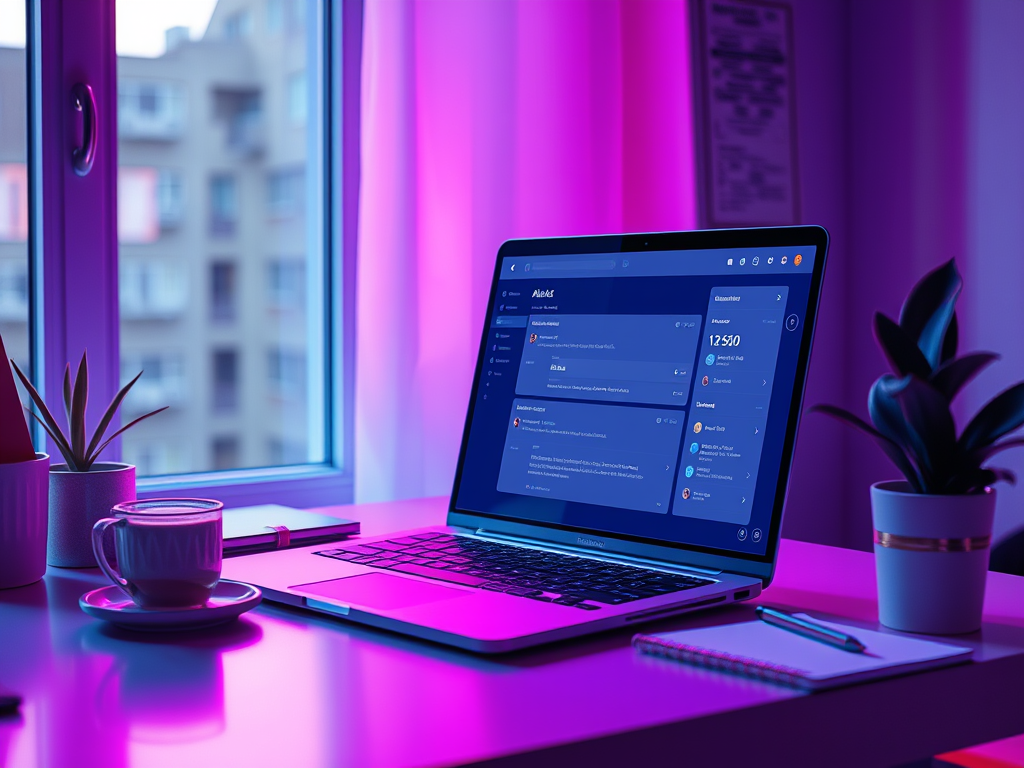
- Tasks are extracted and aggregated in a separate dashboard called the Productivity Hub —distinct from your inbox.
- You access the dashboard when you’re ready to execute work—with clear priorities, context, and suggestions.
- Alias also helps draft replies and manages thread grouping to keep conversations tidy.
- The platform tracks completion and supports scalability so you stay ahead even when message volume spikes.
Why This Matters to You
- You escape the inbox chaos. Your inbox remains the input channel; your dashboard becomes your output workspace.
- You reduce context switching. No more flipping tabs between email and task app.
- You stay on top of follow‑ups. Important tasks are surfaced—not buried.
- You recover high‑leverage time. Spend less time triaging, more time executing.
- You leverage AI productivity. Automatic extraction and drafting speed you up.
- You scale with your volume. Whether you receive 50 or 300 emails/day, the system is built for high load.
Real‑World Impact
Imagine you’re a founder: on Monday you open your alias dashboard and see:
- 12 action items from investor outreach
- 7 legal or compliance follow‑ups
- 5 customer deliverables with deadlines
Instead of digging through 200 inbox messages, you go straight to what matters. You click in one workspace, respond, track, execute.
Sales leader example: alias surfaces “Lead‑X waiting on quote”, “Follow‑up with Prospect‑Y” and drafts reply. You close the loop in minutes rather than hours.
Operations pro: Alias AI generates tasks from emails. It converts emails like “Client Z requested status update by Friday” into tasks. It also turns “Vendor A needs invoice approval” into tasks. You track everything in one view.
Users have reported saving 4+ hours/week simply by shifting from inbox triage to dashboard execution via Alias.
Data‑Backed Benefits for High‑Volume Users
Here are key statistics to support the shift:
- Professionals spend ~11.7 hours/week processing email.
- The average professional receives ~121 emails per day.
- Only ~30% of received emails need immediate action.
- Each interruption from email or message may cost ~25 minutes of focus.
Given those numbers: if you reduce email time from 11 hours/week down to 7 hours/week, you reclaim 4 hours each week. This is a significant gain for high‑worth professionals. Additionally, reducing missed follow-ups due to extraction and dashboard automation leads to fewer lost deals. It also results in better client retention and faster decision-making. These are huge benefits for founders, VCs, and ops leads.
Case Study Scenarios
Founder Scenario:
- Receives ~180 emails/day (investors, PR, partners, team).
- Currently spends ~15 hours/week on email.
- After switching to Alias, the dashboard surfaced 40 tasks on Monday morning from 180 messages. It prioritized 18 top items. Time spent dropped to approximately 10 hours per week. Focus time was regained by around 5 hours per week.
- Outcome: better investor follow‑ups, faster product decisions, less burnout.
Sales Leader Scenario:
- Receives ~100 emails/day (leads, proposals, client updates).
- Previously lost 3–4 leads per quarter due to follow‑up delays.
- With Alias, leads needing follow‑up were surfaced automatically; reply drafts generated; monthly lost leads dropped to 0–1.
- Time saved on manual triage ~3 hours/week = ~150 hours/year.
Operations Manager Scenario:
- Receives ~140 emails/day (vendors, clients, internal execs).
- Manual task capture via inbox flags led to 20% of tasks slipping.
- On Alias: all request‑emails converted into tasks; missed task rate dropped to 2%. Dashboard became central execution hub. Time saved ~4 hours/week.
Frequently Asked Questions
An AI email assistant uses artificial intelligence (often natural language processing, machine learning) to understand incoming email messages, identify valid actions or tasks, and help prioritize and respond—rather than you doing all this manually.
Yes. Many modern solutions (like Alias) integrate securely with major email platforms, scanning your inbox and generating tasks while allowing you to keep using your email provider as usual.
Where labels and filters operate inside the inbox and still require manual action, Alias AI extracts tasks automatically and moves them into a separate dashboard dedicated to execution. This separation reduces clutter and increases focus.
There is some adjustment. The major shift is moving from doing all your work in the inbox to doing work in the dashboard. The inbox remains for message intake; the dashboard becomes your work‑hub. This shift often results in higher productivity and lower friction.
Many high‑volume users report measurable time‑savings within the first two to four weeks. For example, recovering 3‑5 hours/week of focused time is common when you transition from manual triage to automated task capture and management.
The Strategic Advantage for 2026 and Beyond
For founders, VCs, and operations professionals, the stakes are high. Your inbox is not just a tool—it’s your pipeline, your feedback loop, your execution hub. When it floods, your rhythm breaks, strategy suffers, follow‑ups vanish, and priorities slip.
Switching to an AI to do list app via an AI email assistant gives you a strategic edge. You stop being managed by your inbox. Instead, you start managing your work. You reclaim time, clarity, focus—and ultimately, outcomes.
In 2026, as volumes rise, email counts will climb. Attention spans will shrink. Communication demands will increase. High performers will not just rely on better techniques. They will adopt better tools. Tools built from the ground up for action, not just archiving.
Alias AI delivers precisely that. It is a productivity hub designed for high-volume email users. These users won’t settle for manual triage, fragmented tools, or lost follow-ups.
Conclusion
High‑volume email users are switching to AI to do list apps because the old way—email plus separate task apps—is broken. The volume, the interruptions, the context‑switching—all add up to wasted time and lost momentum.
With an AI email assistant that functions as an AI to do list app, professionals reclaim focus and execution. Alias AI exemplifies this next‑generation productivity model: extracting tasks from your inbox, moving work into a dedicated dashboard, surfacing priorities, and letting you operate at your highest level.
If you’re a founder, VC, or operations professional drowning in email and chasing execution, the question is no longer if you’ll adopt this model—but when. 2026 is the year you upgrade from inbox triage to dashboard execution.

Leave a Reply