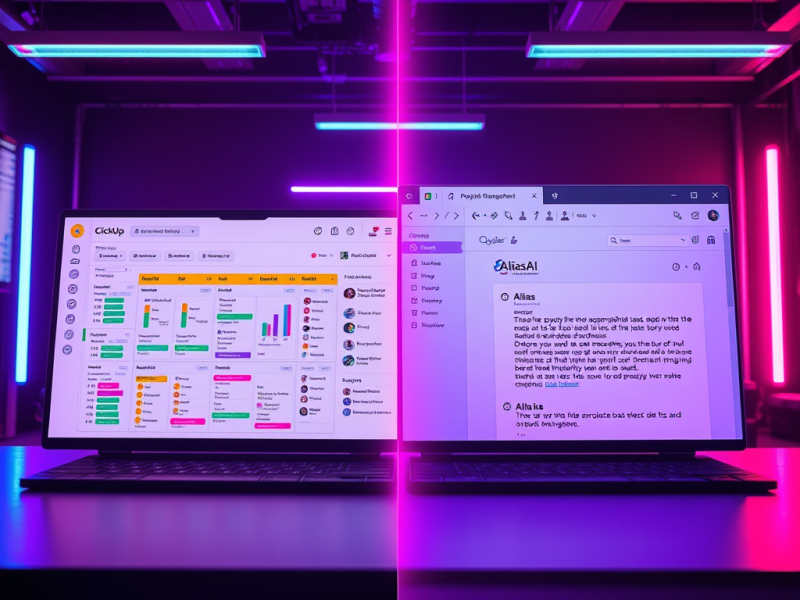
See only the tasks you need,
so you can relax
.

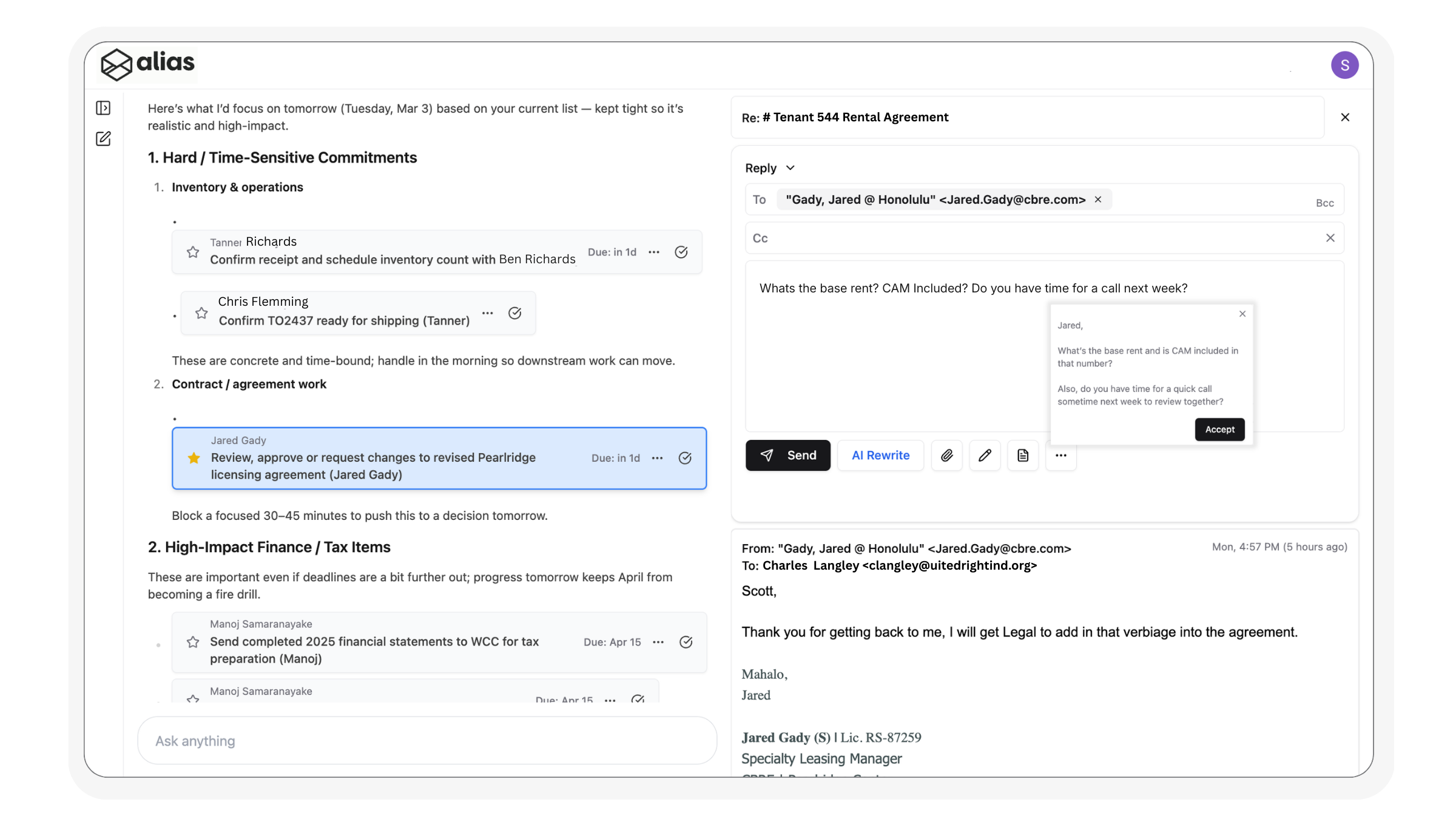
With Alias, you just ask, focus on what matters, and reply to email threads instantly from a single workspace.

Trusted to power inbox-to-action for scale ups and large teams

Minimum effort.
Maximum results.

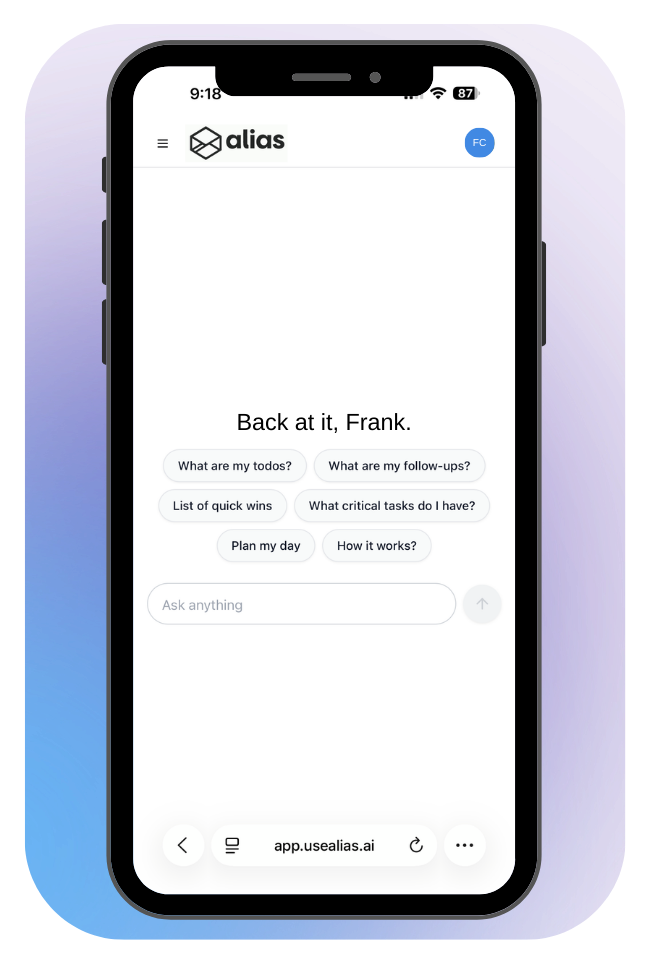
With Alias, you simply ask what you want to work on — a project, your priorities, your follow-ups, or your entire day — and it instantly surfaces every relevant email and task, already organized and ready for action.

How it works

Instant workspaces & AI email rewrite

Stop hunting through email. Ask for what matters, get a focused view of your work, and use AI rewrite to respond to the right messages instantly.

Prioritize & organize with daily planning

Alias takes in everything in your inbox, prioritizes your day around what truly matters, and gives you a clear workspace to move through your work with calm, focus, and control.

Built for Gmail.
Simple Integration.

Alias integrates with your existing Gmail account. From there, AI immediately populates all your current tasks and follow-ups, on a clean interface so you can stay organized and confident from day one.

Try For Free

Get started with Alias AI for free. No set up required. Gmail authorization takes less than 10 seconds.

One-click Gmail integration

Connect Alias AI to your existing Gmail account in seconds — no complicated setup required.

Let AI do the work

Alias instantly learns and organizes your current to-dos and follow-ups, then builds your Productivity Hub so you start organized from day one.

TESTIMONIALS

Hear From the Happy Clients Who Trust Us!

Don’t just take our word for it—read verified reviews from executives, founders, sales teams, and customer success managers who use Alias AI as their AI email assistant. Discover how turning emails into actionable AI to-do lists and automated follow-ups has helped busy professionals save hours each week and stay ahead of their inbox.

Alias has completely changed how I manage my inbox. I used to miss follow-ups all the time — now they just show up on my list. It’s like having an executive assistant who never forgets..

Marcus M.

Our team juggles hundreds of emails a week. Alias pulls out the actual to-dos and lets us focus. The AI drafts are eerily good — it’s cut down our response time and mental load by half.

Jenna T.

As a sales executive, every missed follow-up is a missed deal. Alias AI has completely changed my workflow—emails automatically become tasks, and follow-ups never slip through the cracks.

Lexy A.

CASA Tier 2 Certified

We’re CASA Tier 2 certified, meaning our application has passed an independent security assessment for how we access, handle, and protect Google user data. If you connect Gmail, your data is protected by security controls that are validated by a third-party auditor—so you get the productivity benefits without taking on unnecessary risk.

Have Questions? Get in Touch.

Frequently Asked Questions

Is Alias Ai Secure?

Yes. Alias AI is CASA Teir 2 certified and uses bank-level encryption and never shares or sells your data. We access your Gmail only with your permission and solely for the purpose of helping you stay productive.

Does Alias work with Outlook or other email providers?

Currently, Alias AI is optimized for Gmail and Google Workspace accounts. Outlook support is in development and coming soon.

How do I get started?

After you set up a white glove onboarding with our team, simply connect your Gmail account with one click using secure Google OAuth. Alias will begin scanning your inbox and building your to-do and follow-up lists in seconds—no tagging, forwarding, or setup needed.

What does Alias actually do with my emails?

Alias reads your emails using AI models to: Track open statuses for strategic follow-ups, Detect and summarize action items, Build to-do and follow-up lists, Generate reply drafts in your voice.

How does the AI know what to put on my to-do list?

Alias scans your incoming and ongoing threads for commitments, deadlines, and open questions. It extracts clear next steps and adds them as tasks with smart due dates and context.

Can I edit or remove tasks Alias creates?

Absolutely. Your to-do list is fully editable. You can mark complete, edit text, adjust due dates, or delete tasks with one click.

Can Alias write replies for me?

Yes! Our AI AutoDraft feature generates smart, contextual replies based on the conversation thread—and it learns your writing style over time for better results. AI AutoDrafts are saved to your Gmail drafts as well.